TL;DR: The cheapest answer depends on what "POS" must do. For basic GST bills, a free plan — Vyapar's free tier or Auromine's free 30 invoices a month — costs ₹0. For a real counter system with GST billing, barcode scanning, stock alerts and offline billing, VisionQuantech POS at ₹9,999 setup plus ₹1,499 a month (₹27,987 year one) beats Lightspeed from $89/month plus $59 per extra register, and GoFrugal's quote-based tiers. Free is cheapest; flat and complete is cheapest per job.
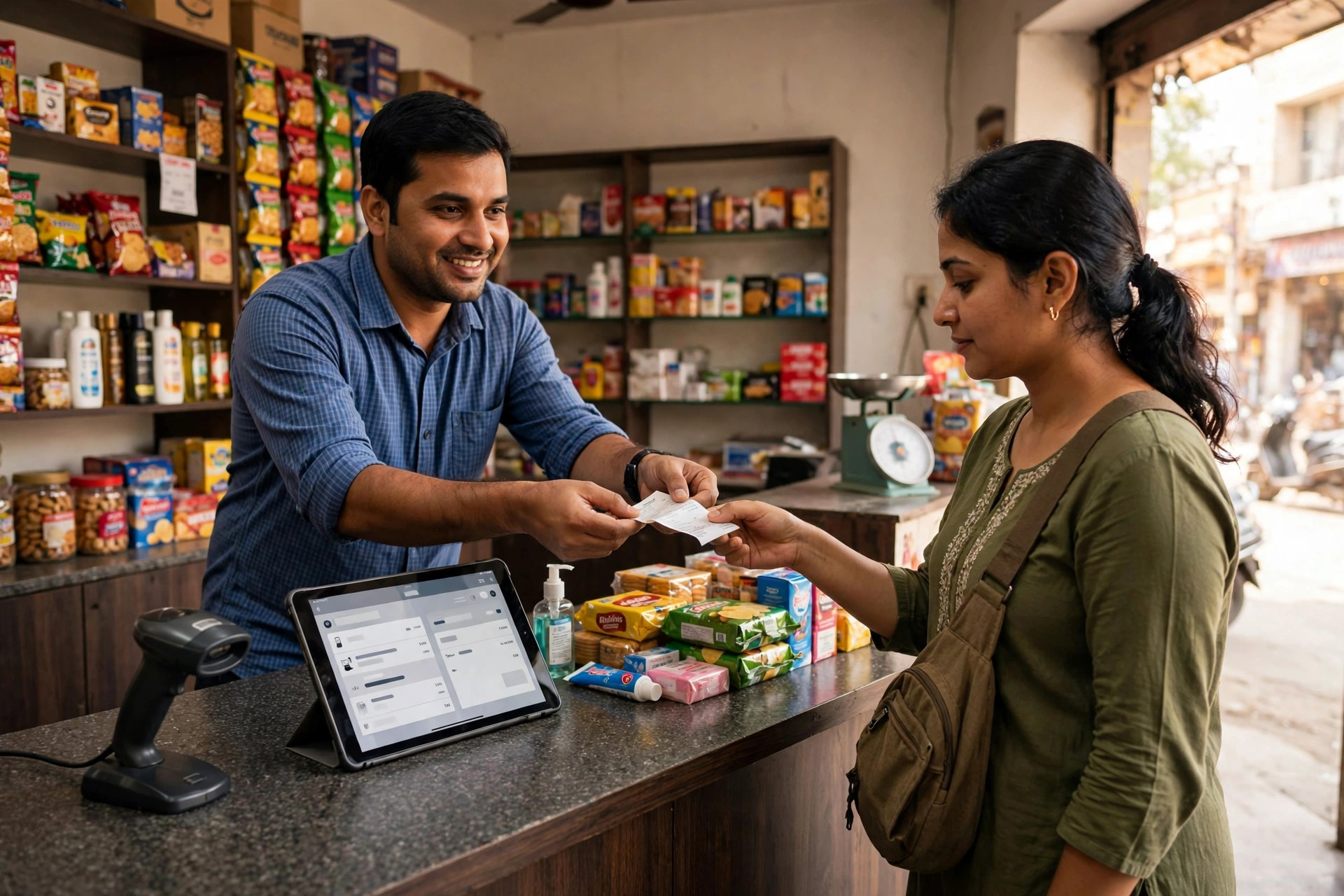
Meera's Monday in Sector 62, Noida
Meera runs a general store in Sector 62, Noida — an illustrative example, not a VisionQuantech client. Two counters, one billing register, about 400 items on the shelves: rice, oil, soaps, stationery for the coaching students next door, and a small rack of snacks that sells out every Friday. On a Monday morning, the queue is six deep before 10 am. Her nephew bills on a desktop app that freezes when the broadband drops. Her notebook holds the stock count, and the notebook is wrong — it says twelve bottles of hair oil are left, and there are three.
Meera's question is the one this guide answers: what is the cheapest POS software for a small retail shop in India? She has seen "free billing app" ads and "$89 a month" global tools and "call for price" Indian vendors, and none of them tells her the same number twice. The reason is simple: every vendor prices a different slice of the job. This guide prices the whole job, for a shop like Meera's, in Noida.
What a POS actually is (in one paragraph)
POS stands for "point of sale" — the place where a sale happens, which for Meera is the counter. A POS system is the software on that counter: it scans or types the item, prints or sends the bill, takes the payment, reduces the stock count by one, and remembers what sold today. A billing app only prints bills. A POS also tracks stock, tells you what is running low, and shows you the day's sales without you adding up a notebook at midnight. That difference is where most "cheap" comparisons go wrong: a free billing app can be right, and a ₹1,499-a-month POS can still be cheaper, if the free app leaves you counting stock by hand every Sunday.
Step 1: Write down the five jobs your counter must do
Before comparing prices, write the five jobs. If a tool cannot do one, its price is irrelevant — you will pay for it later in time, errors, or a second tool.
- Bill fast, with GST right. The bill must split CGST and SGST for an in-state sale and IGST for an out-of-state sale automatically, carry the HSN code for the item, and produce a GSTR-1 compatible report. In a 2025 industry survey cited by Petpooja's retail guide, 95% of Indian retailers ranked GST compliance as their top concern when picking billing software. If the GST maths is manual, the tool is not cheap — it is a fine waiting to happen.
- Bill by barcode, not by typing. For a shop with 100 or more items, typing each item name is slow and error-prone. One retail POS guide puts it plainly: barcode scanning cuts billing time from 2–3 minutes per customer to under 30 seconds. At a six-deep Monday queue, that is the difference between keeping a customer and losing one to the shop across the road.
- Keep stock honest. Every sale should reduce stock automatically, and the system should warn you before the hair oil runs out, not after. A purchase-order note — "order 24 bottles from supplier X" — written from the counter, not from memory, is the feature that pays for the software.
- Keep billing when the internet drops. Noida broadband is good until it is not. A counter system that stops dead during an outage is a queue of angry customers. Offline billing that syncs when the connection returns is not a luxury feature for a small shop; it is the feature that decides whether Monday morning works.
- Take UPI on the bill screen. The customer should pay by UPI QR, card, or cash from the same bill, without the shopkeeper opening a second app and typing the amount again. Every re-typed amount is a mistake waiting for closing time.
Meera's desktop app does job 1, slowly, and none of the others reliably. That is why "cheapest" has to mean cheapest for all five jobs — not cheapest for the first one.
Step 2: Price the whole job, not the headline
Here is the trap every POS comparison hides: the headline price is one of three layers. The first layer is software — the monthly or annual subscription. The second is hardware — a terminal, a receipt printer, a barcode scanner, a cash drawer. The third is payment processing — a percentage of every card or UPI transaction, where the vendor takes a cut. A global cost guide puts the typical range at $0–$300 a month for software plus $700–$2,000 one-time for a standard hardware setup, with processing at 1.5%–3.5% per transaction. A shop that budgets only for layer one will be surprised twice.
Apply that to Meera's shop, one counter, one register:
- VisionQuantech POS: ₹9,999 one-time setup + ₹1,499 a month flat. Year one: ₹9,999 + (₹1,499 × 12) = ₹27,987. Year two onwards: ₹17,988 a year. No per-seat charge, no per-register add-on in the rate card. It is a rate-card product set up on request through VisionQuantech contact, not an instant self-serve signup — say that plainly, because "cheapest" that you cannot actually buy today is not a price.
- Lightspeed Retail: Basic $89 a month on annual billing ($109 month-to-month), Core $149/$179, Plus $239/$289, and $59 a month for each extra register. One counter on Basic is $1,068 a year before processing and hardware — and the reviews explain why the headline misleads: G2 reviewers say the fees feel unjustified for the support received, one reviewer calls the account-management experience "horrible" and near-impossible to reach, and TechRepublic reports lengthy contracts and "a lot of red tape" when customers try to cancel.
- GoFrugal (India): quote-based tiers sold through resellers, roughly Starter ₹8,999, Standard ₹14,999 and Professional ₹24,999 in the competitor comparison. "Quote-based" is the warning sign: two shops can pay different prices for the same tier, and a verified Techjockey review warns startups directly — "NEVER BUY IF YOU ARE A STARTUP OR SMALL ENTERPRISES. NO CUSTOMER SUPPORT" — with a second review calling the interface difficult to use.
- Square POS: the free app plus 2.6% + 10¢ processing per transaction, Plus $49 a month, Premium $149 a month. Free software is real, but the processing cut is the price: on ₹1,00,000 of card sales a month, 2.6% is ₹2,600 a month before any plan fee, and Square's own model locks you into Square Payments. SelectHub's comparison adds the sharper risk: automated fraud detection can freeze or close accounts without warning, and support is hard to reach.
- Vyapar: a free basic plan for very small shops, premium from ₹1,999 a year according to a retail POS comparison — the honest free-to-cheap route if your shop only needs basic GST invoicing on a phone.
- Petpooja Invoice (retail): a flat annual fee for GST billing plus inventory, positioned by its own guide as the best value for multi-feature retail billing. Its restaurant product serves 50,000+ outlets in India, and its G2 rating is 4.7 out of 5 from 289 reviews — but G2's own summary also flags "some hidden charges" and reviewers report billing issues and slow performance on inventory reports. Flat annual pricing is good; the hidden-charges complaint is exactly what to check before signing.
- Odoo POS: included in Odoo Standard at $31.10 per user a month or Custom at $61 a month — a full ERP behind the counter, which is more software than a single-counter shop needs and priced per user, so the bill grows with every staff member.
The pattern is the same one this blog found in phone systems and CRMs: the tier wall is where the real price lives. The feature that turns the product from "nice" into "does the job" — a second register, inventory depth, real support — is almost always one tier up or one add-on away.
The comparison: what a small shop actually pays
| System | Price (as published / compared, Oct 2026) | Pricing model | Best for | The catch, from real reviews |
|---|---|---|---|---|
| VisionQuantech POS | ₹9,999 setup + ₹1,499/mo flat | Flat, no per-seat charge | A single-counter Indian retail shop wanting GST billing, barcode billing, offline mode and UPI on the bill screen | Rate-card product — set up on request via contact, not instant signup |
| Vyapar | Free basic plan; premium from ₹1,999/year | Freemium | A very small shop that only needs basic GST invoicing | Limited POS depth — outgrown within months for stock-heavy shops, per its own comparison guides |
| Petpooja Invoice | Flat annual fee (check current price page) | Flat annual | Multi-feature retail billing with inventory | G2 flags "some hidden charges"; reviewers report billing issues and slow inventory reports |
| Lightspeed Retail | Basic $89/mo annual; Core $149; Plus $239; +$59 per extra register | Per register, USD pricing | Multi-store retail with deep inventory | High fees "not justified" by support (G2); cancellation red tape (TechRepublic); account management "horrible" (G2 reviewer) |
| GoFrugal | Quote-based tiers ~₹8,999 / ₹14,999 / ₹24,999 via resellers | Quote-based | Supermarkets and multi-branch retail | Verified review: no support for startups/small enterprises; interface called difficult to use |
| Square POS | Free app + 2.6% + 10¢ processing; Plus $49/mo; Premium $149/mo | Free software, processing cut | A shop starting with zero monthly fee and low volume | Processing cut is the real price; account freezes without warning and hard-to-reach support (SelectHub) |
| Odoo POS | $31.10/user/mo Standard; $61/user/mo Custom | Per user, USD pricing | A business that wants POS plus full ERP | Per-user pricing grows with staff; ERP weight for a single counter |
For Meera, one counter, the first-year maths is the decision: Vyapar free-to-₹1,999 is cheapest if she only bills. VisionQuantech POS at ₹27,987 in year one is the cheapest full counter system in this table that publishes one flat price with no per-seat or per-register multiplier. Lightspeed Basic at $1,068 a year plus a second register at $59 a month passes it quickly — and that is before the support experience reviewers describe.
Step 3: Run the one-week real-counter test (not the demo test)
A POS demo is usually run wrong. The salesperson bills three items on a fast connection, everything looks instant, and the shop signs an annual contract. Run your real week instead:
- Day 1–2: Bill your actual Monday queue on it, with the shop's real items and real barcodes. Does a bill finish in under 30 seconds, or does the search box make your nephew type every item name?
- Day 3: Pull the plug on the broadband for an hour — deliberately. Can the counter keep billing, and does everything sync cleanly when the connection returns, with no duplicated bills?
- Day 4: Check stock at closing. Does the system say three bottles of hair oil left, matching the shelf, or does it still say twelve because a sale was billed outside the system?
- Day 5: Print the GST report. Does the CGST/SGST split match what your accountant expects, and can you export it for GSTR-1 without retyping?
- Day 6: Call support with a real problem and time the reply. GoFrugal's verified reviewer could not reach support at all as a small business; Lightspeed's reviewer could barely reach account management. For a shop whose counter is down, that is not a support queue — it is a closed shop.
Step 4: Match the tool to your shop size, honestly
- One person, a phone, basic bills only: Vyapar's free plan or Auromine's free plan (30 invoices a month) is genuinely the cheapest answer. Stay here as long as stock lives in your head and stays accurate.
- One counter, 100+ items, stock matters: This is where a flat POS earns its price. ₹1,499 a month is ₹50 a day — less than one lost sale from an empty shelf you did not know about.
- Two or more counters, or a second shop: Per-register pricing turns against you fast. Lightspeed adds $59 a month per extra register; Odoo adds a full per-user fee per staff member. A flat price with no per-register multiplier is worth more at two counters than at one — check the multiplier before the feature list.
- A supermarket or a chain: GoFrugal's depth and Petpooja's scale start to make sense, and Lightspeed's inventory depth may justify its price. At this size, buy on implementation and support, not on the headline.
- A shop that already runs on Tally: Staying in the Tally world may beat switching, even at a higher software price, because retraining and migration cost more than the subscription. The cheapest tool is sometimes the one your accountant already understands.
When the expensive tools actually win — the honest version
Lightspeed wins for a multi-store retailer that genuinely uses its inventory depth across locations — the feature set is real, and the price is the price of that depth. Petpooja wins for a shop that wants a proven Indian billing brand with a large support network and is willing to check the add-on list for hidden charges first. Square wins for a brand-new shop with almost no sales yet, where zero monthly fee matters more than the processing percentage. And the free apps win outright for the smallest shops — there is no shame in a free plan, and no reason to pay ₹1,499 a month for a counter that bills twenty customers a day from memory.
The cheapest POS is not a single product. It is the cheapest product that does all five counter jobs for your shop's size, at a price published in one place, with support you can actually reach. For Meera's one-counter Noida shop, that answer is a flat ₹1,499 a month after a ₹9,999 setup — and the test that proves it is one real Monday on the counter, not one demo on a laptop.
Frequently asked questions
What is the cheapest POS software for a small retail shop in India?
A free plan — Vyapar's free tier or Auromine's free 30 invoices a month — costs ₹0 to start for basic GST billing. For a full counter system with barcode billing, stock alerts and offline mode, VisionQuantech POS at ₹9,999 setup + ₹1,499 a month flat is the cheapest flat-priced option in this comparison; Lightspeed starts at $89 a month plus $59 per extra register, and GoFrugal is quote-based.
Do I need a POS, or is a billing app enough?
If you bill fewer than about 30 customers a day and know your stock by heart, a billing app is enough. Once you cross roughly 100 items, or stock mistakes start costing you sales, you need a POS: automatic stock reduction, low-stock alerts, and a day-end sales report are the three features that separate the two.
Does a POS work without internet?
Only if it is built for it. VisionQuantech POS, Vyapar and several Indian tools offer offline billing that syncs when the connection returns. Cloud-only tools stop at the counter when broadband drops — test this deliberately in week one, before signing anything annual.
What does POS software cost in total in year one?
Budget three layers: software, hardware, and processing. A global cost guide puts software at $0–$300 a month and a standard hardware setup at $700–$2,000 one-time, plus 1.5%–3.5% processing per transaction. In India, a one-counter shop's year-one range runs from ₹0 on a free plan to about ₹27,987 for VisionQuantech POS, before any printer or scanner it does not already own.
Is Lightspeed a good POS alternative in India?
Lightspeed is a strong multi-store tool, but a weak small-shop value pick in India: USD pricing from $89 a month, $59 per extra register, and G2 reviewers who say the fees feel unjustified for the support received, plus TechRepublic-reported cancellation red tape. For a single Indian counter, a flat INR price with GST-ready billing is usually the better fit.
Is VisionQuantech POS a live self-serve tool?
No — it is a rate-card product (₹9,999 setup + ₹1,499 a month) set up on request through VisionQuantech contact, not an instant signup page. If you need to bill in the next ten minutes, start on Vyapar's free plan and move the counter system over once the setup call is booked.
Related reading
- VisionQuantech AI services — done-for-you AI agent services for small businesses.
- Is MyOperator Worth It for a Small Business? A Gurgaon Home-Services Owner's Honest Answer — the companion guide: how tier walls hide the real price of a business tool.
- Free Invoice Generator for Freelancers in Bengaluru — when a free billing tool is genuinely enough, and where it stops.
- Is There a Cheaper Kylas Alternative for a Small Tele-Calling Team in India? — the same all-in maths applied to a calling team's CRM.
References & further reading
- VisionQuantech competitor brief, "POS System" — Lightspeed $89–$289/mo + $59/register, GoFrugal quote tiers, Square free + 2.6% + 10¢, Odoo $31.10/$61 per user/mo, VQ rate card ₹9,999 + ₹1,499/mo, with G2/TechRepublic/SelectHub/Techjockey weakness sources: https://visionquantech.com/services
- G2, Lightspeed Retail reviews — high fees not justified, account management "horrible": https://www.g2.com/products/lightspeed-retail/reviews?page=4&qs=pros-and-cons
- TechRepublic, Lightspeed Retail review — lengthy contracts and cancellation red tape: https://www.techrepublic.com/article/lightspeed-retail-review/
- Techjockey, GoFrugal Retail POS vs Logic Enterprise — verified review: no support for startups/small enterprises, difficult interface: https://www.techjockey.com/compare/gofrugal-retail-pos-vs-logic-enterprise
- SelectHub, Square POS vs Lightspeed Retail — account freezes without warning, hard-to-reach support: https://www.selecthub.com/pos-software/square-pos-vs-lightspeed-retail/
- Petpooja blog, "Top 6 Retail POS Software in India (2026)" — India retail market US$952 billion in 2024 (IBEF), 95% of retailers rank GST compliance top concern, Vyapar free plan, Petpooja Invoice flat annual fee: https://blog.petpooja.com/finance-compliance/top-retail-pos-software-india/
- InfiBis, "Best POS System for Retail Shops in India (2026 Comparison)" — barcode billing 2–3 minutes to under 30 seconds, GoFrugal from ₹1,500/month, Vyapar premium from ₹1,999/year: https://www.infibis.com/blog/pos-system-for-retail-shop-india
- UpMenu, "Restaurant POS System Cost in 2026" — software $0–$300/month, hardware $700–$2,000, processing 1.5%–3.5%: https://www.upmenu.com/blog/how-much-do-restaurant-pos-systems-cost/
- G2, Petpooja POSS reviews — 4.7/5 from 289 reviews, "some hidden charges" pricing insight, billing issues reported: https://www.g2.com/products/petpooja-poss/reviews
- Auromine Retail POS (YouTube) — free plan: 30 invoices a month, barcode scanning, GST invoices, offline mode: https://www.youtube.com/watch?v=oiFsGmoFO2s
Cite this article: Shivam Kumar (2026). What Is the Cheapest POS Software for a Small Retail Shop in India? A Noida Shopkeeper's Honest Answer. VisionQuantech. https://visionquantech.com/blog/cheapest-pos-software-small-retail-shop-india-noida.html
Prices quoted are published or compared list prices as of October 2026, from the sources above; vendors change pricing without notice — verify the current price page before purchase. This article is general information, not purchasing advice for any specific business.
Talk to us about your shop's POS system
VisionQuantech POS: ₹9,999 one-time setup + ₹1,499 a month flat. GST-ready billing, barcode billing, offline mode, UPI on the bill screen.
See VisionQuantech AI Services Book a setup call