TL;DR: Yes — open a browser-based swarm simulator, pick a disaster-survey mission, set your swarm size, and watch the drones divide the map, cover it, and re-task when one fails. VisionQuantech's free Drone Swarm Simulator does exactly this in a tab: no install, no GPU workstation, no account. It teaches swarm coordination — how many drones, which pattern, what happens when one drops out — not flight physics, and that distinction is the whole point.
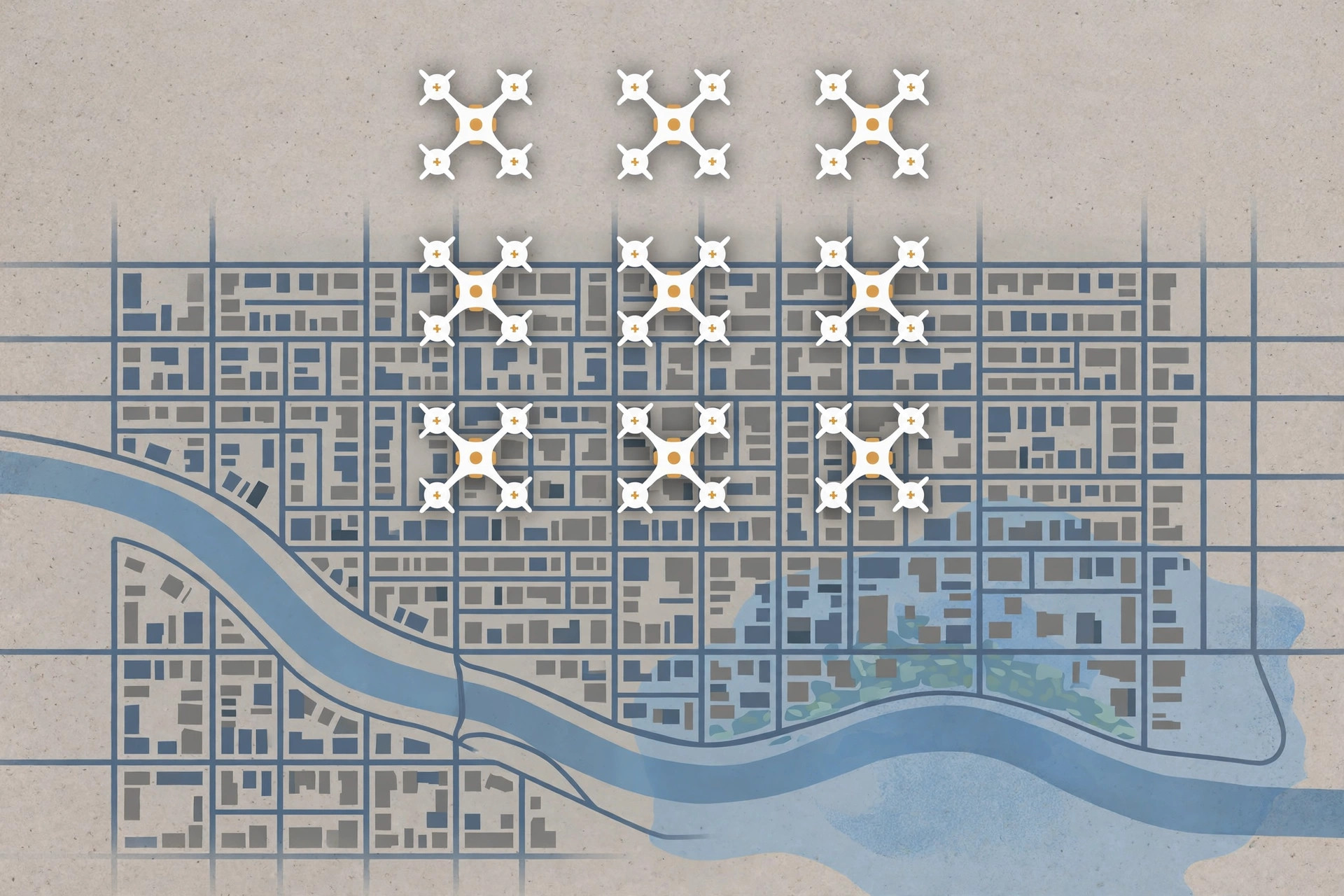
Watch: the 25-second version — AirSim is archived, Gazebo wants a workstation, and a browser tab runs the swarm mission instead.
Priya's Tuesday problem in Brooklyn
Priya is a robotics student in Brooklyn, New York — an illustrative example, not a VisionQuantech client. Her assignment is due Friday: demonstrate how a drone swarm surveys a disaster area, and explain why ten drones beat one drone at the same job. She has a borrowed Chromebook, a dorm-room Wi-Fi connection, and no drone at all.
Her first instinct is the obvious one: download a real simulator. That is where her Tuesday disappears. The famous free option, Microsoft's AirSim, was archived after five years — Microsoft's own research page says users can still access the original code, but no further updates will be made. The standard robotics option, Gazebo, is built into ROS, but a survey of aerial-robot simulators describes it as low visual fidelity with slow setup, and it assumes a Linux workstation she does not own. The DJI simulator is a closed, proprietary box aimed at DJI aircraft, with enterprise pricing reported around $1,350.
Then there is the flying option, which is worse. A swarm over Brooklyn is not a Tuesday-afternoon activity: it needs airspace authorisation, compliant aircraft, and local permissions that a classroom cannot conjure by Friday. Priya does not need a flight. She needs an answer to a coordination question: how does a group of drones divide work, avoid each other, and finish a survey?
That question is what a browser swarm simulator is for. Priya opens one URL, and in under a minute she is watching a mission instead of installing one.
What "simulating a drone swarm" actually means
A swarm simulation has three layers, and confusing them is why most people pick the wrong tool.
Layer 1: flight. One drone's physics — thrust, wind, battery, sensors. This is what AirSim and DJI's simulator do brilliantly, and what a browser demo deliberately does not try to copy. If your question is "will this controller hold altitude in a gust," you need a physics simulator, not a browser tab.
Layer 2: coordination. Many drones dividing one job — who covers which patch of ground, how they avoid collisions, what happens when one drone fails mid-mission. This is the swarm question, and it barely depends on flight physics at all. You can learn it with dots on a map, because the lesson is in the pattern, not the propeller.
Layer 3: mission. The job itself — survey a flood zone, map earthquake rubble, find the gaps in coverage. A good swarm demo frames coordination inside a mission, so the numbers mean something: coverage percentage, time to finish, area left unscanned when a drone drops out.
Quotable claim for the busy reader: a swarm simulator does not teach you to fly a drone. It teaches you to run a team of drones — and the team is the hard part.
Step 1: Open the simulator and pick a disaster-survey mission
Go to Drone Swarm Simulator — free, no signup. The positioning matters here: this tool is built for disaster-survey missions, a research and education use case, not for weapons or for show flying. Pick the mission first, before touching any settings. A mission gives the swarm a purpose — survey this zone — so every number that follows has a meaning. A swarm with no mission is just dots wandering.
Step 2: Set your swarm size — and watch the trade-off appear
Start small: five drones. Run the mission and note two numbers: how long the survey takes, and what percentage of the zone gets covered. Now double it to ten, then try twenty.
This is the first real lesson, and it arrives without a single equation. More drones finish faster — up to a point. Then the gains flatten, because drones start spending effort avoiding each other instead of surveying new ground. A student who has watched that curve flatten understands swarm sizing better than one who memorised a formula for it. The European CPSwarm project's own demonstration used 15 drones and 8 ground rovers to survey a simulated disaster scene — a concrete reminder that real swarm demos are sized in the tens, not the hundreds, because coordination cost grows with every added unit.
Step 3: Compare the patterns — grid sweep vs flocking vs task allocation
Run the same mission three times with a different coordination idea each time.
A grid sweep divides the zone into lanes, like mowing a lawn: predictable, complete, and slow to adapt if something changes. Flocking — the boids idea, where each drone follows three local rules (stay close, avoid collisions, match neighbours' direction) — produces organic, flowing coverage that adapts well but can leave gaps. Task allocation assigns patches to drones like a dispatcher handing out jobs: efficient when the map is known, brittle when a drone fails unless re-tasking is built in.
Priya's assignment practically writes itself at this point: same zone, same swarm size, three patterns, three coverage numbers. That is an experiment, not an opinion.
Step 4: Kill a drone mid-mission — the demo moment that sells swarms
This is the step most people skip, and it is the most important one. Mid-mission, remove one drone — or imagine one failing — and watch what the rest do. In a good swarm design, the surviving drones re-divide the failed drone's patch and the mission still finishes, slightly later, with coverage nearly intact. In a bad design, a hole opens in the map and stays open.
This is the entire argument for swarms in one image: redundancy is not a feature you bolt on, it is what the swarm is. One drone fails and the mission degrades gracefully; one single drone fails and the mission ends. A simulated comparison of swarm versus single-UAV surveying reported a 10-drone swarm mapping terrain in 39 minutes on average against 68 minutes for a single UAV, with 92% coverage completeness — treat that as one study's simulated result, not a law of nature, but it shows the direction and the size of the effect researchers keep finding.
Step 5: Read the coverage number like a researcher
When the mission ends, do not screenshot the pretty picture. Write down four numbers: swarm size, pattern, time to finish, and coverage percentage. Change one variable and run again. That table — five runs, one variable changed at a time — is worth more than any animation, because it is the habit that transfers to real robotics work: change one thing, measure, repeat.
If you are writing this up for class, say exactly what the tool is and is not. It demonstrates coordination algorithms, not flight physics. It does not validate a controller you will fly on real hardware. Honest scope is what makes a browser demo credible instead of toy-like: it answers the coordination question well, and it does not pretend to answer the physics question.
The tools compared: why the old answers cost a weekend
| Tool | What it is best at | What it costs (October 2026) | The catch for a Brooklyn student |
|---|---|---|---|
| Microsoft AirSim | Photorealistic single-drone physics, sensors, weather, PX4-compatible | Free, open source | Archived — Microsoft confirms no further updates; building coursework on it means building on frozen code |
| Gazebo (PX4 SITL) | ROS-native robotics research, multi-drone support, large community | Free, open source | Heavy install and setup; aerial-robot survey rates it low visual fidelity; assumes a Linux workstation |
| DJI Flight Simulator | High-fidelity DJI aircraft training | Enterprise pricing reported around $1,350 | Proprietary and closed: you cannot inspect or extend its physics, and it only trains DJI aircraft |
| Webots | Friendly general robotics, diverse platforms | Free, open source | Focused on ground robots, with only basic aerodynamics — not a drone-swarm tool |
| SkySim | Browser-native single-drone simulation with real aerodynamics (blade-element rotors, ground effect, turbulence) | Open source, in development | Single-drone flight fidelity, not swarm coordination; the browser thesis is proven, the swarm layer is not its job |
| Drone Swarm Simulator (VisionQuantech) | Browser-based swarm coordination for disaster-survey missions — coverage, patterns, failure re-tasking | Free, no install, no account | Honest scope: it demonstrates coordination, not flight physics — do not use it to validate a real flight controller |
Review patterns are consistent, and they come from the people who built the alternatives, not from marketing. The SkySim author's case for a browser simulator is blunt: the standard tools assume "a beefy Linux workstation, a fast connection to pull down gigabytes of assets, and someone nearby who has done the setup before," and "step outside that assumption, which is most of the world, and the on-ramp to drone autonomy gets steep fast." The abandonment problem is the other half: researchers who built on AirSim, the flagship free simulator, "had the ground move under them" when Microsoft archived it. A browser tool nobody has to install cannot strand you the same way — there is no workstation to configure and no frozen codebase to depend on for your coursework.
What a browser swarm simulator cannot teach you
Saying this plainly is what keeps the recommendation honest. A browser demo will not teach you radio behaviour in a concrete building, battery sag in cold air, GPS denial, or the regulatory process for a real swarm flight. It will not generate training data your flight controller can trust. And it does not replace the simulator you need if your research question is about aerodynamics — for that, SkySim's browser physics or a maintained ROS/Gazebo workflow is the right next step, with the setup cost stated upfront.
What it does teach — sizing, patterns, failure behaviour, coverage measurement — is the part of swarm robotics that most newcomers never get to practise at all, because the setup cost of the serious tools eats the whole assignment window. A browser tab turns a two-week setup problem into a twenty-minute experiment. That is not a small difference for a student; it is the difference between doing the assignment and writing about why you could not.
Frequently asked questions
Do I need a GPU or a powerful computer to simulate a drone swarm?
No, not for a browser-based coordination simulator. The heavy lifting in AirSim or Isaac Sim is photorealistic rendering and physics; a browser swarm demo renders simple 2D/3D shapes and computes coordination rules, which any laptop or Chromebook handles. You need a GPU when your question is about photorealistic sensors or reinforcement-learning training at scale — not when it is about how drones divide a map.
Is the Drone Swarm Simulator a replacement for AirSim?
No, and anyone claiming that is overselling. AirSim was a flight-physics and sensor simulator; this is a swarm-coordination demo. It replaces the first step — understanding coordination — that AirSim's setup cost used to block. If your work needs PX4 software-in-the-loop testing or camera data, use a maintained physics simulator instead.
Can I use this to plan a real drone swarm flight?
Only as a first sketch. Coordination patterns and sizing intuition transfer; radio ranges, battery endurance, wind, airspace rules, and safety cases do not come from a browser demo. Treat a browser mission as a hypothesis to validate in a proper simulator and then in a controlled field test — never as a flight plan.
Is it legal to fly a drone swarm over Brooklyn?
Effectively, not as a casual student project. Real swarm flights need FAA authorisation, compliant aircraft, and local permissions, and New York City adds its own restrictions on where drones may operate. That is precisely why simulating first is the responsible route: you learn the coordination in a browser, and you approach the regulatory process with a tested plan rather than a hope.
What coordination algorithms will I actually see?
The three that matter at introductory level: grid sweep (divide the zone into lanes), flocking/boids (local rules producing group movement), and task allocation (assigning patches to drones, with re-tasking when one fails). Watching all three on the same map, with coverage numbers attached, teaches more than reading about any one of them.
Is the Drone Swarm Simulator really free?
Yes — it opens in a browser with no install and no account. That is the point of the browser thesis: the first thing you do is run a mission, not troubleshoot a setup. VisionQuantech positions it as a free research and education demo, and its honest limit is scope: coordination, not flight physics.
Related reading
- VisionQuantech AI services — the done-for-you AI agent services, including the AI Receptionist.
- Drone Swarm Simulator — free browser demo — open it and run a disaster-survey mission now.
- Is There a Free LangSmith Alternative That Shows Why Your AI Agent Failed? — the same "show the trace, not the claim" idea applied to AI agent debugging.
- How Does Adaptive Learning Work for a Small Training Business? — how a learning loop adapts to each learner, the same feedback idea behind swarm re-tasking.
- Do I Need to Keep Proof of Cookie Consent? — the previous day's guide: evidence beats claims, in consent as in simulation.
References & further reading
- Microsoft Research, "Aerial Informatics and Robotics Platform" — AirSim created 2017, archived after five years, no further updates: https://www.microsoft.com/en-us/research/project/aerial-informatics-robotics-platform/
- Survey of Simulators for Aerial Robots (MDPI Applied Sciences / UTwente repository) — Gazebo low visual fidelity, AirSim not actively maintained with substantial compute, Webots focused on ground robots: https://ris.utwente.nl/ws/files/462080950/2311.02296v6.pdf
- Project SkySim, Part 1: "The Case for a Drone Simulator That Runs in Your Browser" — HackerNoon — workstation/install barriers, AirSim abandonment as trust barrier: https://hackernoon.com/project-skysim-part-1-the-case-for-a-drone-simulator-that-runs-in-your-browser?source=rss
- CPSwarm D8.1, "Initial Swarm of Drones Demonstration" — 15 drones + 8 rovers surveying a simulated disaster scene: https://www.cpswarm.eu/wp-content/uploads/2020/06/D8.1_Initial_Swarm_of_drones_demonstration_final_update_NOREV.pdf
- DJI Flight Simulator pricing discussion, as cited in VisionQuantech's Drone Swarm Simulator competitor brief: https://srizfly.com/dji-drone-simulator-price-cost-guide-for-virtual-flying/
- "Computer Networks Behind Autonomous Drone Swarm" — Medium — swarm communication, routing and failure handling in simulation: https://medium.com/@ajinkyarepale28/computer-networks-behind-autonomous-drone-swarms-33139f32c90e
Cite this article: Shivam Kumar (2026). How Can I Simulate a Drone Swarm in a Browser Without Installing Anything? VisionQuantech. https://visionquantech.com/blog/how-to-simulate-drone-swarm-browser-no-install.html
This article is general information, not flight or legal advice. Real drone operations are governed by aviation regulators and local rules; check the FAA and New York City requirements before any real flight.